
Built-in fax option
Recently updated order tracking now features a seamlessly integrated fax capability. It’s easy to set up in Settings > Practice:
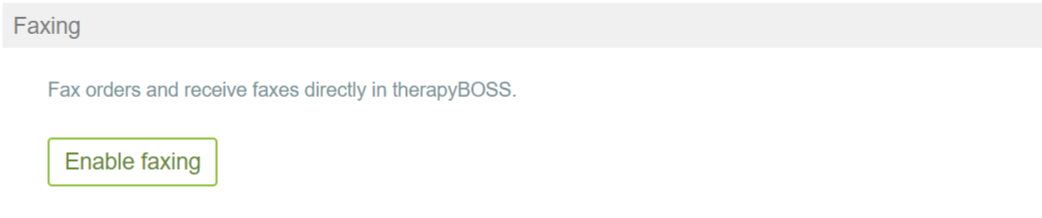
Once enabled, it’ll reveal extra settings such as whether to include a cover sheet:

You can view the standard cover sheet. Its default message can be changed when faxing orders.
Contact us if you want a different message to appear in your cover sheets by default.
Faxing orders
With faxing enabled, the Submit Orders screen will have a checkbox to indicate whether to fax orders:

As you select orders and submit to move them to Outbound, those to be faxed will get transmitted. Their transmission status will be communicated so that you know if an order is waiting to fax, sent successfully, or failed. If a fax fails, you’ll also be notified via email and through the dashboard:

Receiving faxes
You can obtain your own fax number to be able to receive faxes in therapyBOSS:
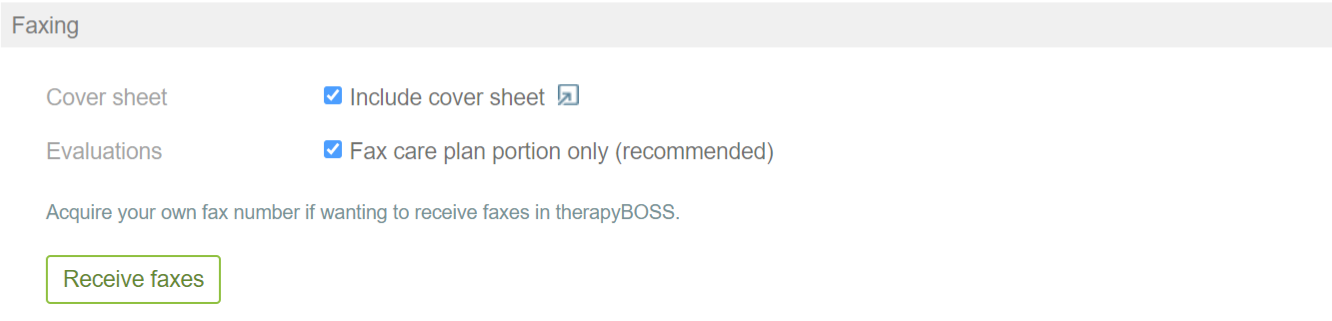
Doing so will add another menu tab in Orders with a clear presentation of received faxes to help you quickly identify senders, open the attached documents, and associate them with appropriate orders.
Using search to find other providers
The search function has been updated to look across other providers. You can start typing a physician’s name, for example, to instantly find the corresponding other provider record and access its information from anywhere in therapyBOSS.