
Appointment reminders
We’re launching a new feature designed to help clients improve patient appointment adherence. It’s simple to set up, easy to use, and delivers a seamless patient experience to reduce no-shows.
Appointment reminders aren’t available for staffing referrals due to the nature of referral ownership and scheduling dynamic.
Establishing default appointment reminders
The Practice area inside settings will reveal a new section if you provide non-staffing services:

Adding default reminders is straightforward with prompts to choose when a reminder is triggered and whether it is to be delivered via email or SMS:
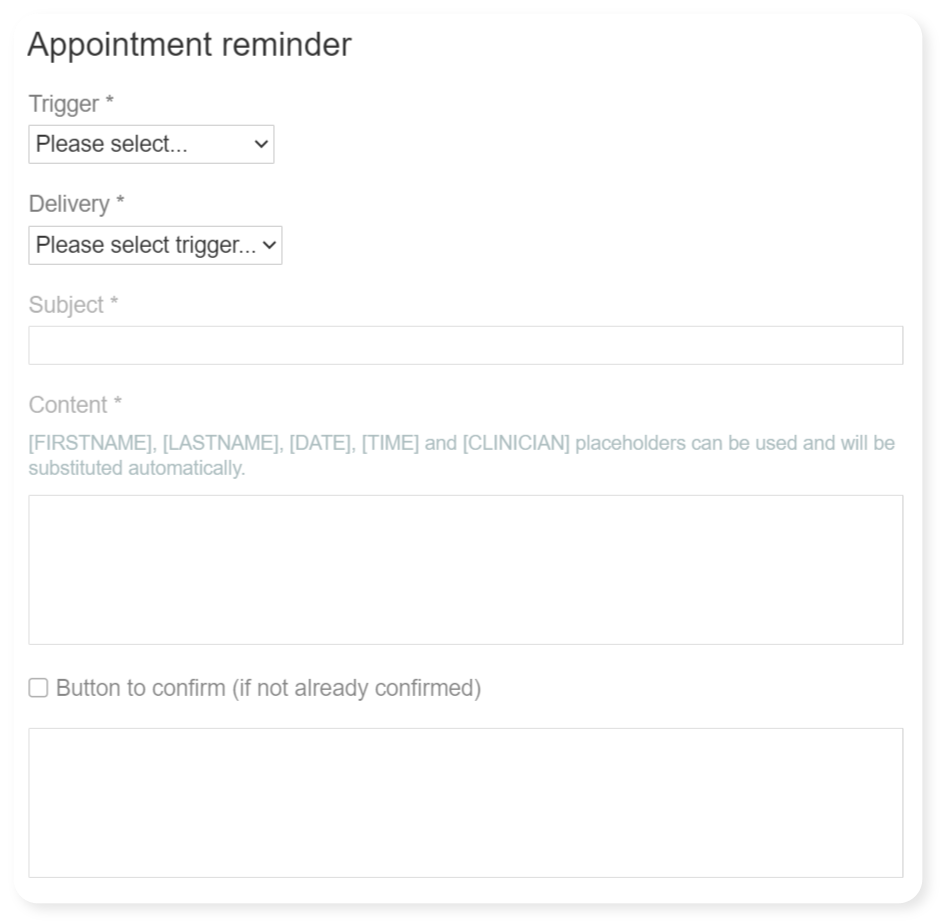
There are built-in messages for different reminders. As you choose the trigger and delivery method, one will be automatically retrieved for you:
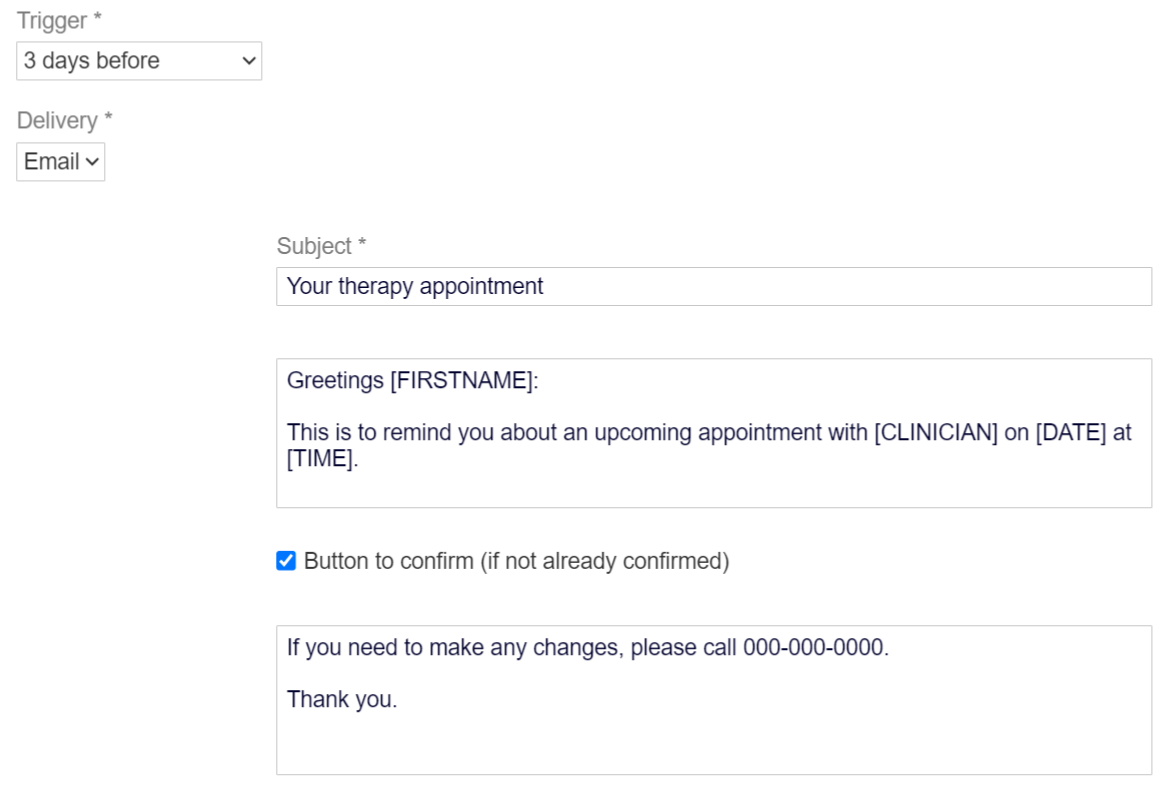
Edit your message as needed, taking advantage of the placeholders, which therapyBOSS will replace with actual data. Also, indicate if you want recipients to be able to confirm their appointments via a designated button in emails or a link in text messages.
Tip: insert placeholders by typing '[' (left square bracket), which opens a popup to select from.
Collecting email address for patients and contacts
We’ve added an email address field to patient and patient contact records across all contexts, including staffing:
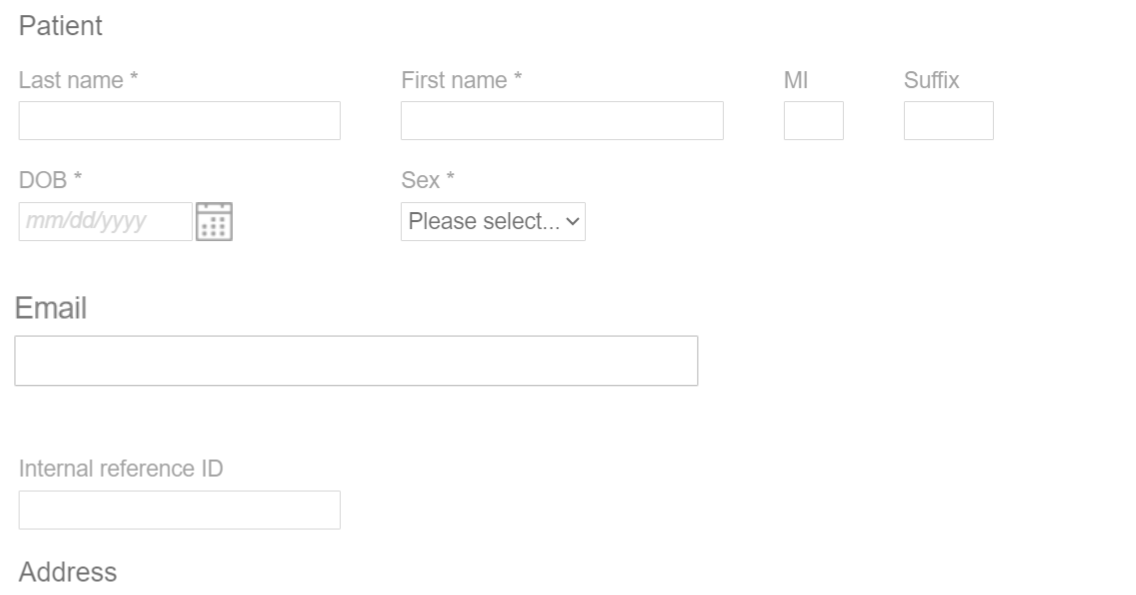
You’ll be able to pick from these email addresses when enabling appointment reminders for patients outside of staffing.
Enabling appointment reminders for patients
Creating referrals will include a dedicated screen to set up appointment reminders:
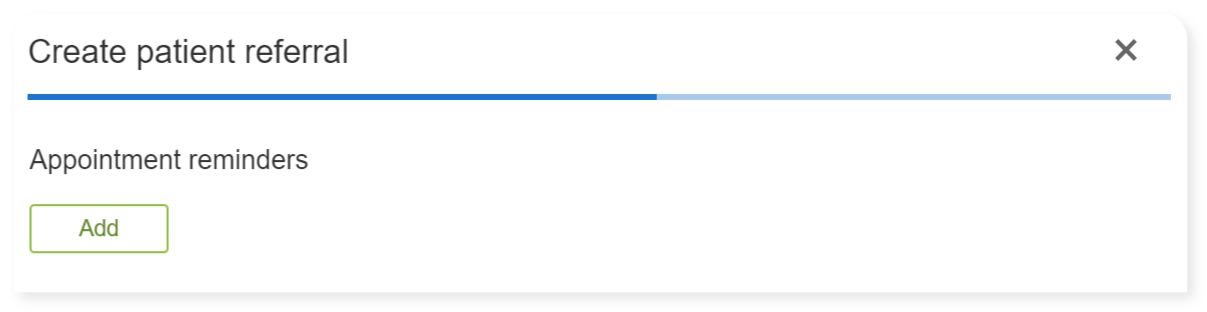
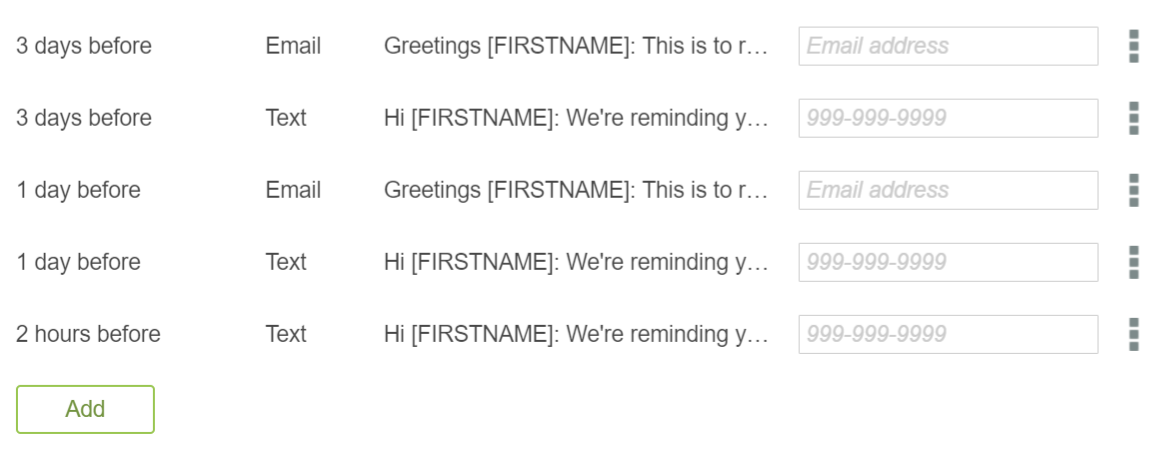
For new patient/episode referrals, it will auto-populate your default reminders. You can add, edit, or delete patient’s appointment reminders:
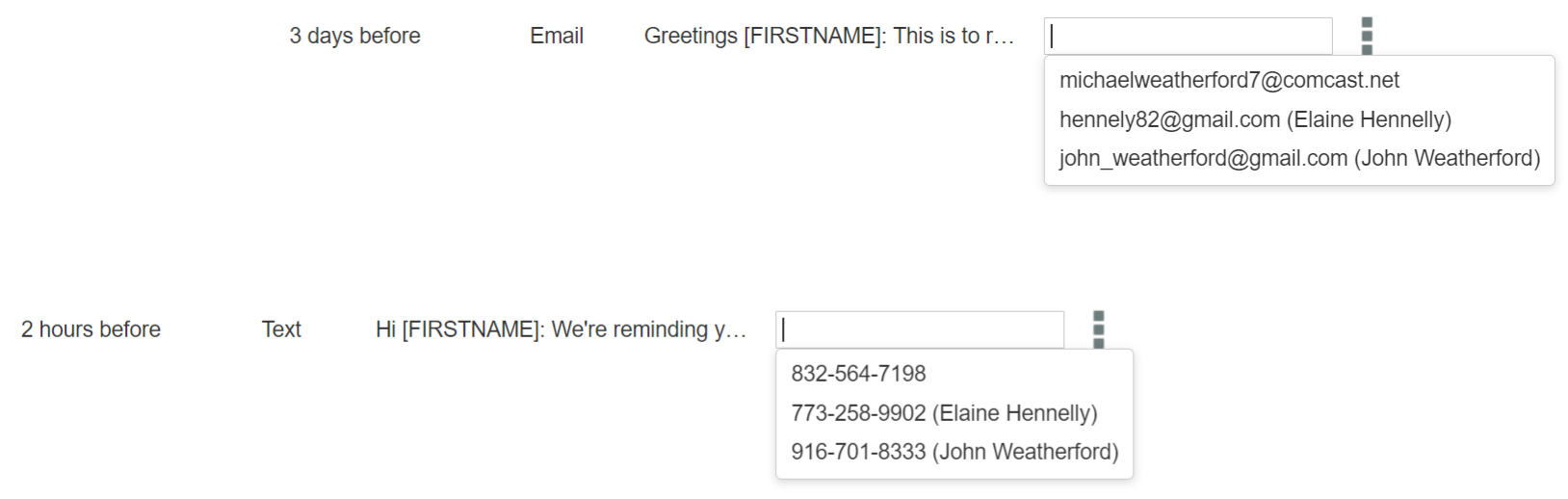
Enter the destination email address/phone number or pick from the patient’s or patient contact’s details:
Avoid numerous reminders to prevent too many messages being sent to your client. We also recommend keeping messages concise, especially text messages.
You should obtain your clients' consent for SMS appointment reminders. Consider incorporating appropriate language in your admission consents.
Updating patient’s appointment reminders
Edit the referral if you want to revise its appointment reminders. You’ll find them in the “Episode” tab:
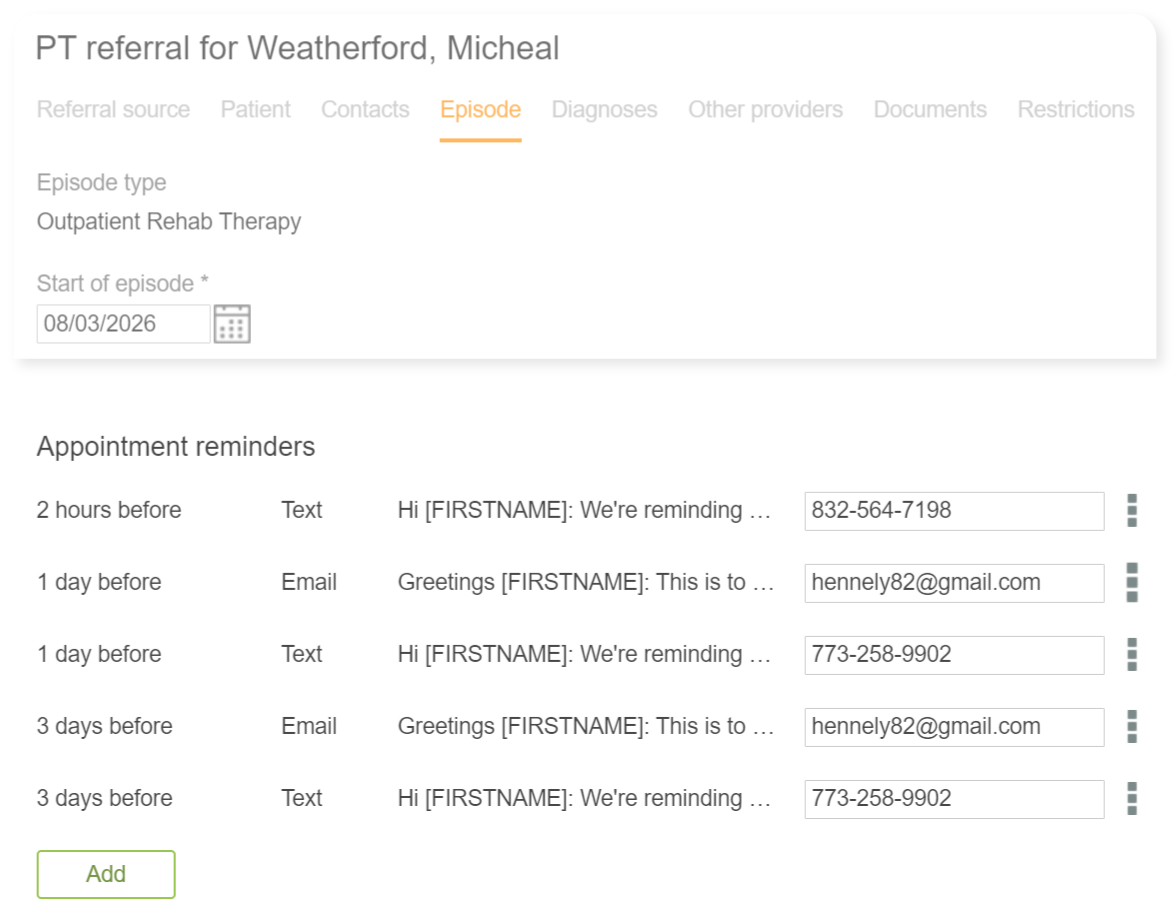
therapyBOSS will handle your revisions: it may schedule messages for existing appointments or delete pending messages if they no longer apply.
Inserting logo in appointment reminder emails
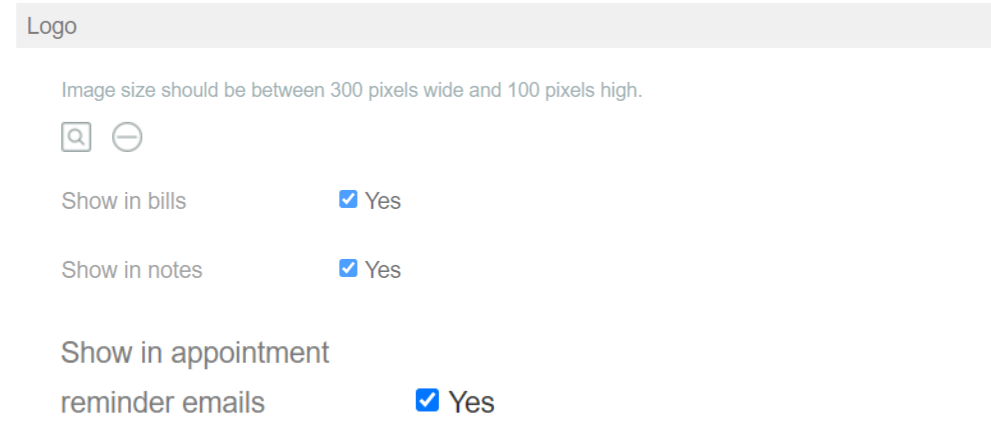
Emailed appointment reminders can display your practice logo. The corresponding option is found under settings > Practice:
Reminder recipient experience
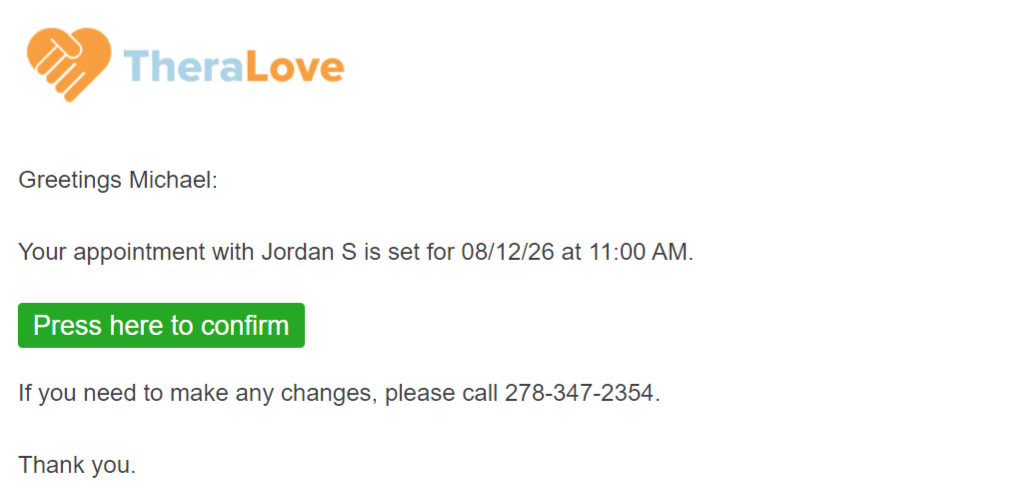
Patient reminders will be sent via email or SMS at the specified time to each recipient. Here’s an example of an email message:
And your text message could appear as follows:

Pressing the confirmation button/link will open a browser window to inform the recipient accordingly:
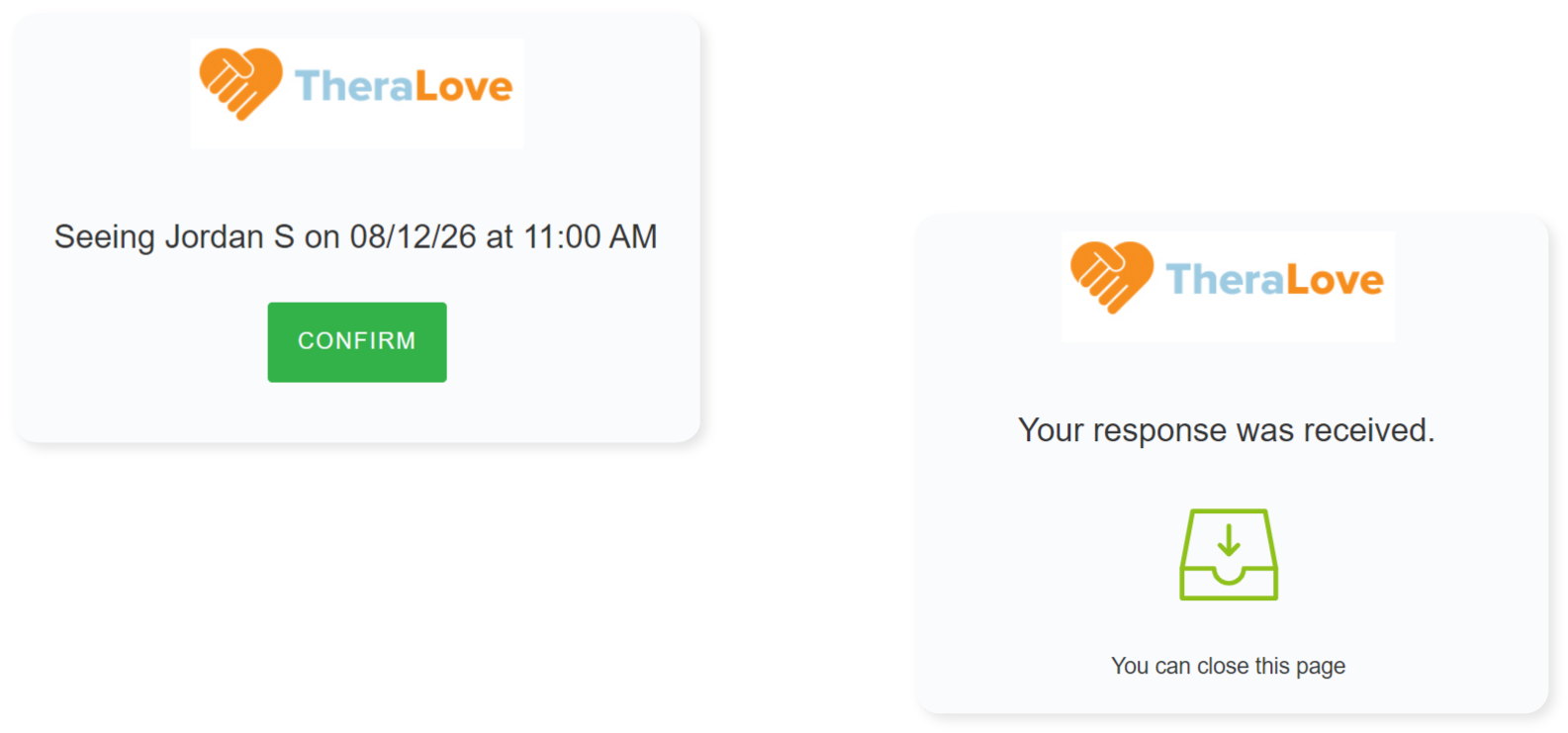
The confirmation button/link will be omitted if the appointment was already confirmed. Additionally, therapyBOSS will skip any pending reminders for remaining appointments scheduled after the patient’s discharge.
Checking appointment reminder status
You can see reminders waiting to be sent and those that have gone out:
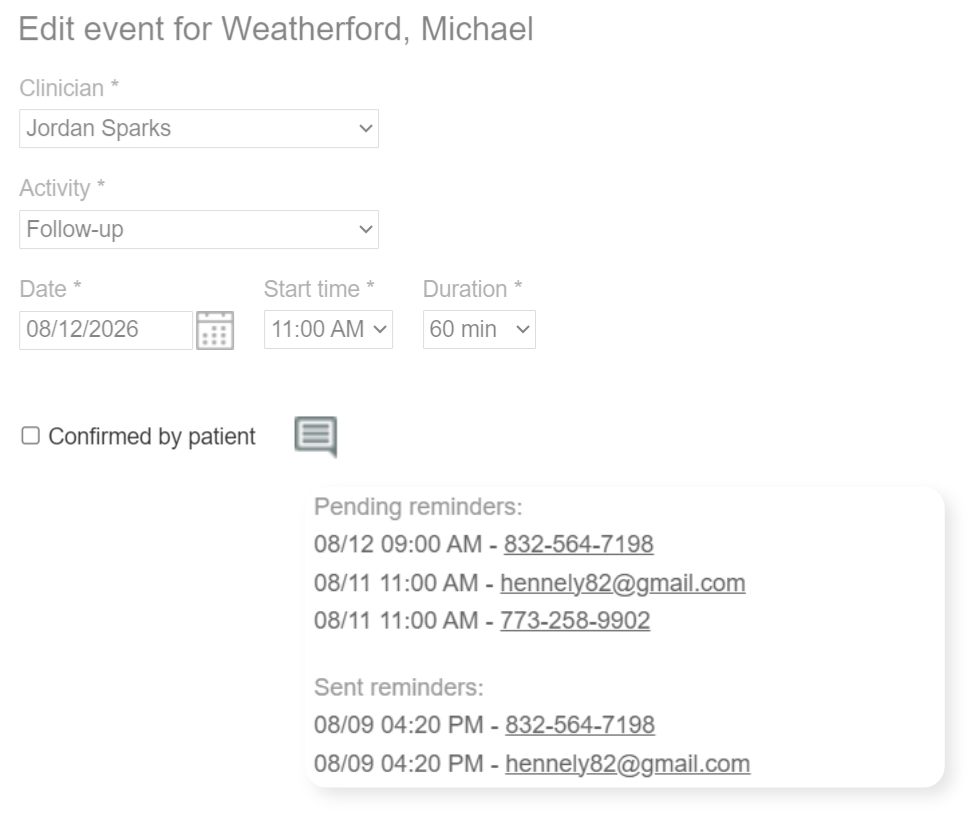
Messages that lead to confirmation will be clearly flagged and will show the date and time the confirmation was received:

Failed message delivery will also be reported, along with the explanation:

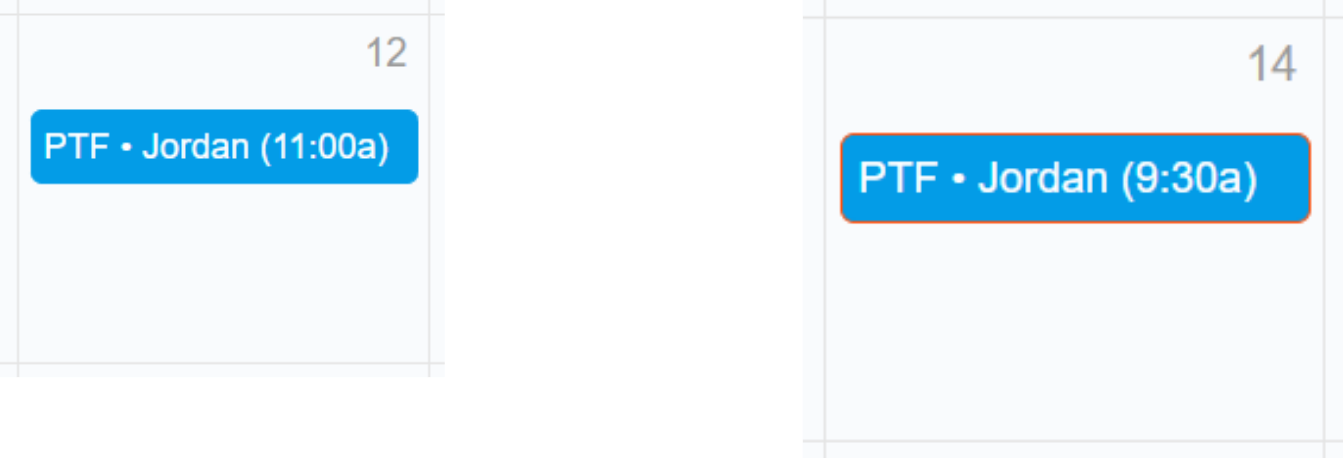
To help you distinguish confirmed from unconfirmed appointments at a glance, unconfirmed appointments will have an orange border:
Schedule (agenda) view of appointments
The home page now offers another way to see scheduled activities:

Available to all clients, “Schedule” is an agenda-like view that lists events in chronological order:
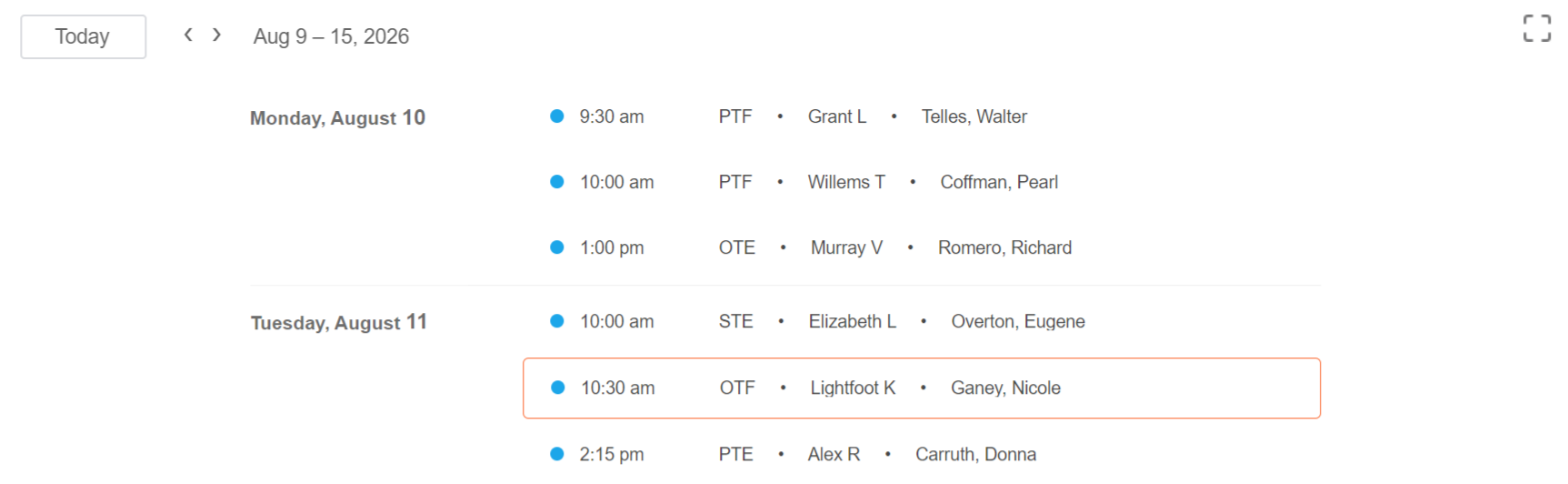
It supports the appointment reminders feature by alerting you when message delivery fails:

Regularly monitoring the schedule will help you spot message delivery issues and take care of them.
Identifying patients with no appointment reminders
Active Referrals has a new filter called “No appointment reminders“ to quickly identify records that don’t have appointment reminders.